
Setting Up Genie With a *New* Dubsado Form
New Feature! Our templates now use our latest script which is compatible with Dubsado 3.0 and comes with our latest one-click publish template experience.
Copy the following template to your Dubsado account
Note: The template will open in Dubsado 2.0. Feel free to continue in 2.0 or simply add the template to your account, then switch to Dubsado 3.0.
Click Copy to Account

Once you’re in, follow the directions on the dark blue block to get inside Genie 5.0 and Dubsado Side Editing:

Important: If you’re still using Dubsado 2.0, you won’t see the blue instruction block. That’s totally fine. Just click Preview to open the pop-up, which will guide you to your public-facing form.
-
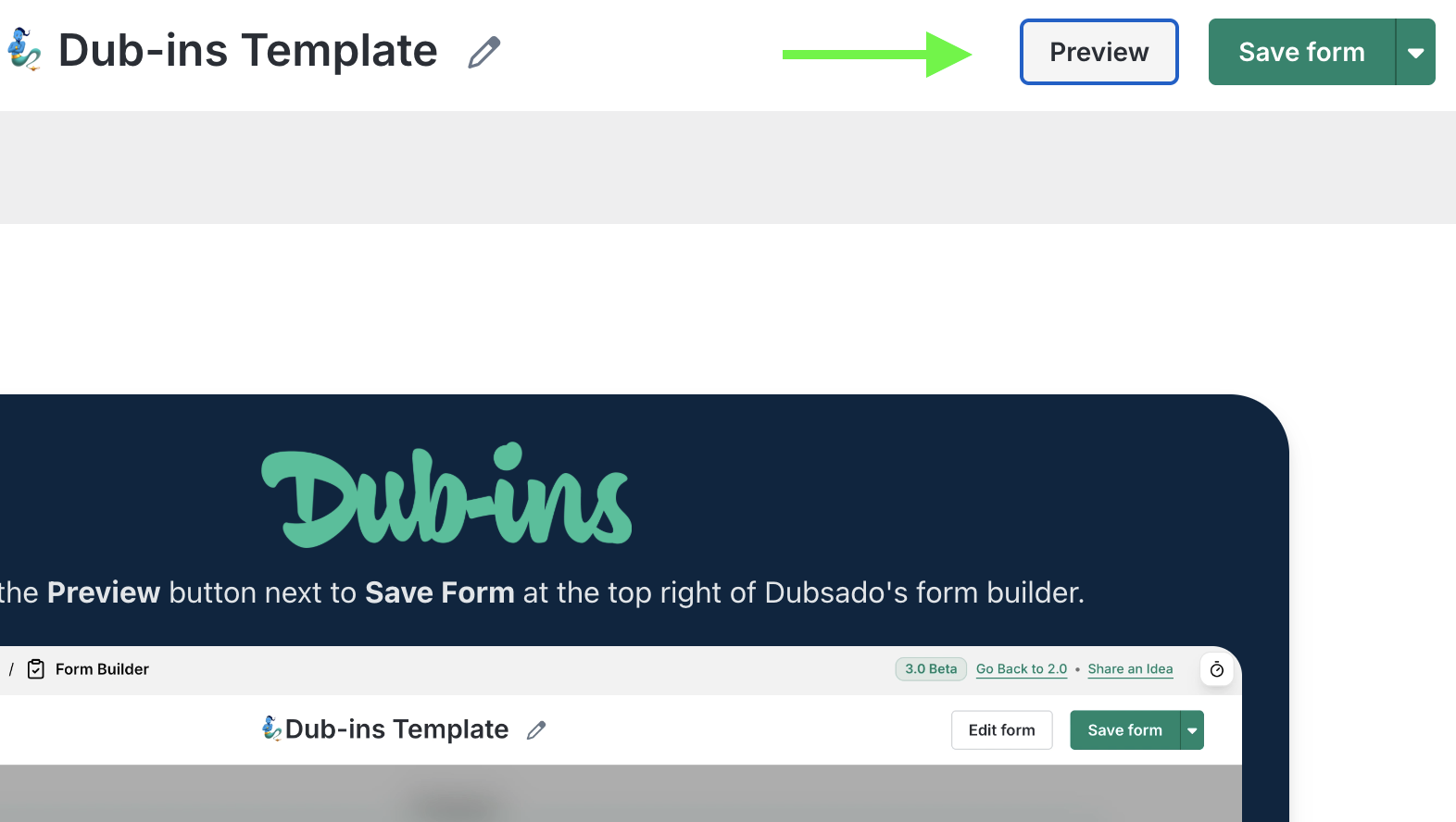
Open the public-facing version of your Dubsado form by clicking Preview in the top right corner of Dubsado’s form builder:
-
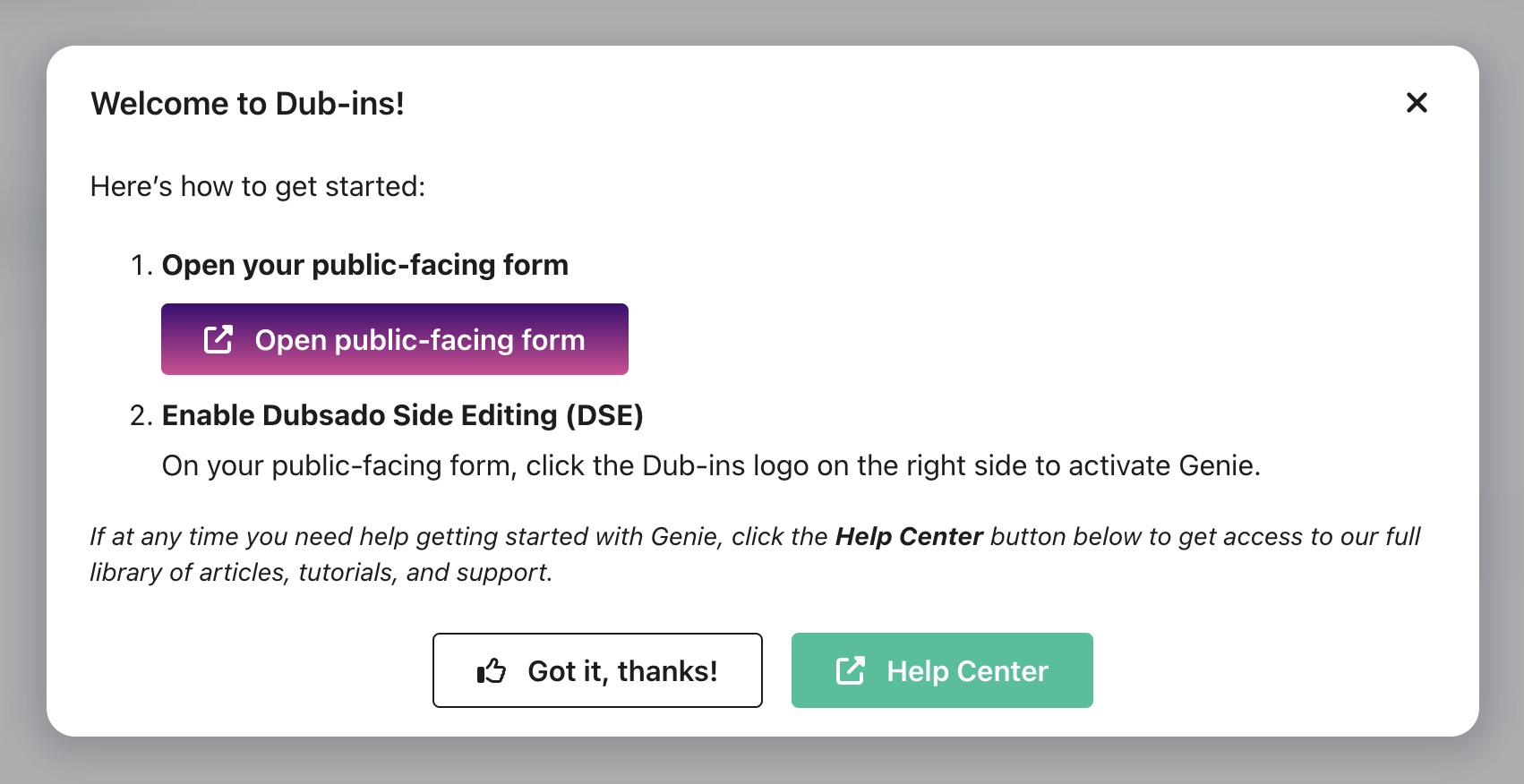
You’ll be prompted to Open public-facing form:
-
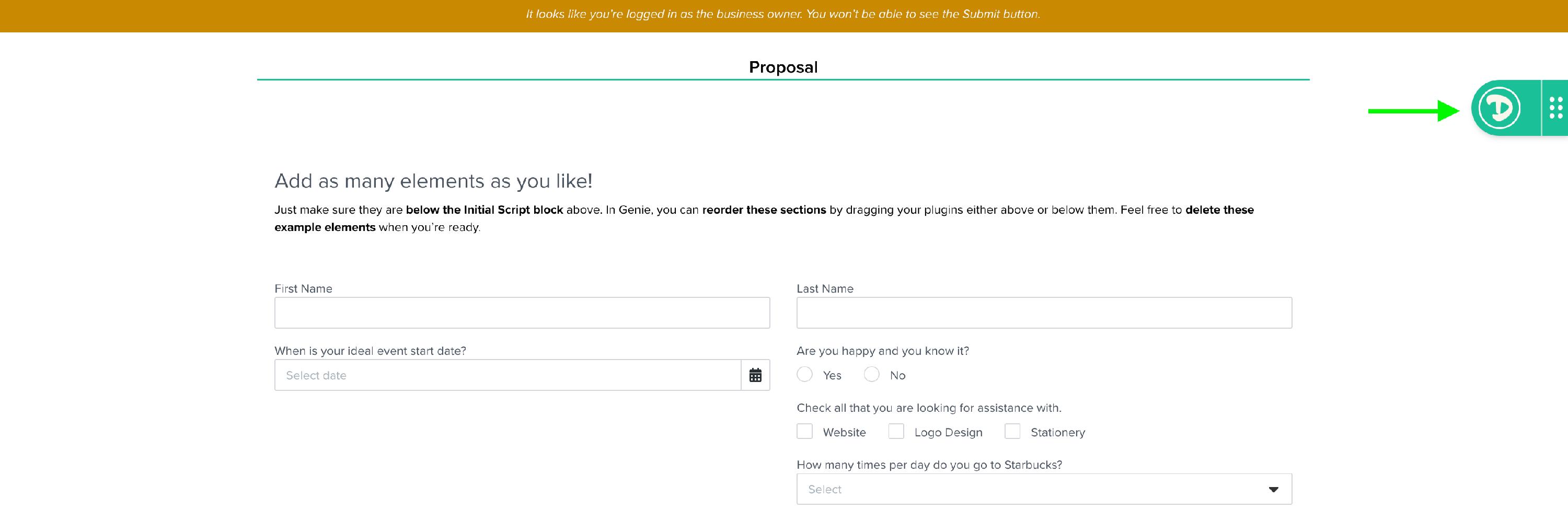
Click the Dub-ins logo (located on the right side of your public-facing form) to activate Genie:
Need Help?
If you run into any issues or have questions, you can reach out to us directly:
- Click the support button inside your Genie 5.0 public-facing template. This helps us prioritize your request and separate it from Genie Classic tickets.
We’re here to help make your transition to Genie 5.0 as seamless as possible!